
Onlinelessonsbuiltformusicalprogress
Not another video call bolted onto a calendar. Craft Music is a full teaching platform — live lesson room, shared lesson notes, and studio-grade audio when it matters — so every session compounds into real skill.
Book, join, and practice in one place.
Thelessonshouldn’tendwhenthevideodoes
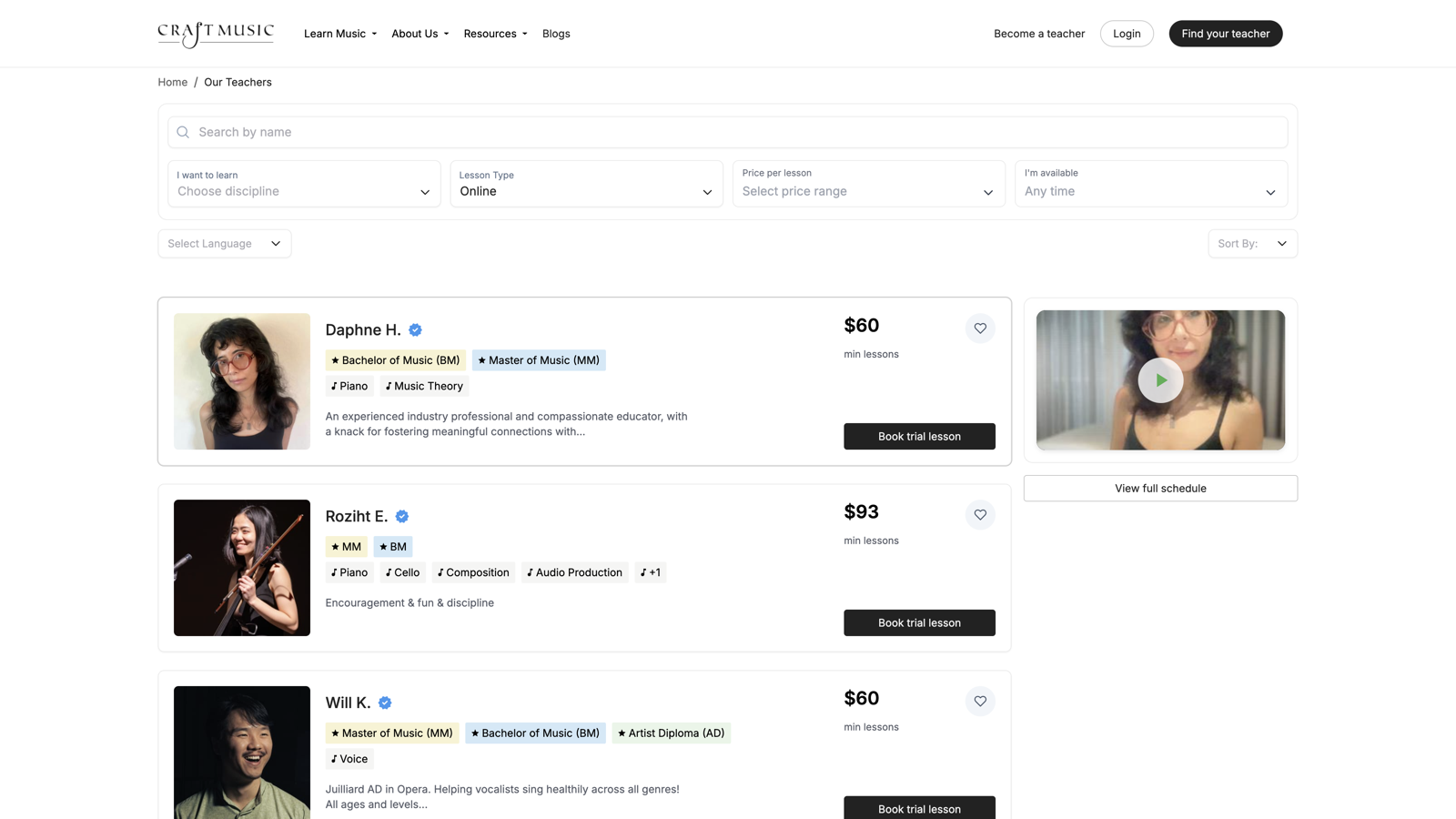
We built online lessons the way serious musicians actually learn: hear clearly, stay connected to your teacher, and carry the work forward with shared notes and practice between sessions — not a disconnected video chat and a calendar invite.
Oneplacetobook,join,andkeeplearning
When you take an online lesson with Craft Music, you stay on Craft Music — from booking through the live session and the notes that follow.
Live lesson room
Join from your browser with one click when it's time for your lesson.
Lesson notes & practice
Shared notes, goals, and assignments stay with your teacher between lessons — so progress doesn’t vanish when the call ends.
Messaging & scheduling
Message your teacher, see upcoming lessons, and reschedule — all in your Craft Music account.
Secure & integrated
Lessons are tied to your booking and account. Teachers and students only connect through Craft Music.
Lessonnotesthattravelwithyou
Your Lesson Hub keeps first-lesson goals, shared practice updates, and assignments with each teacher — so the next session starts where you left off.
- Share what you practiced and what you want to focus on next
- See assignments and deadlines your teacher sets for you
- Open first-lesson notes so your teacher can prepare
Hearyourteacher’sDAWclearly
For production, mixing, and beat-making lessons, teachers can share professional audio so you hear tracks the way they do in the studio — still joined from your Craft Music dashboard.
Clear DAW & mix audio
On production lessons, you can hear your teacher’s Logic, Ableton, or other DAW with clarity designed for music — not a muffled laptop mic on a generic call.
Join the same way
Whether the lesson uses the standard room or Muse Sessions, you open your dashboard and click Join lesson. Craft Music handles the rest.
Headphones help
Wired headphones make a big difference for hearing mix detail, timing, and tone — especially for production and beat-making lessons.
More student Q&A lives in the Help Center . Teachers: Muse Sessions and Hi-Fi DAW sharing setup lives in the Teacher manual .
Frombookingtoyourfirstnote
Find a teacher
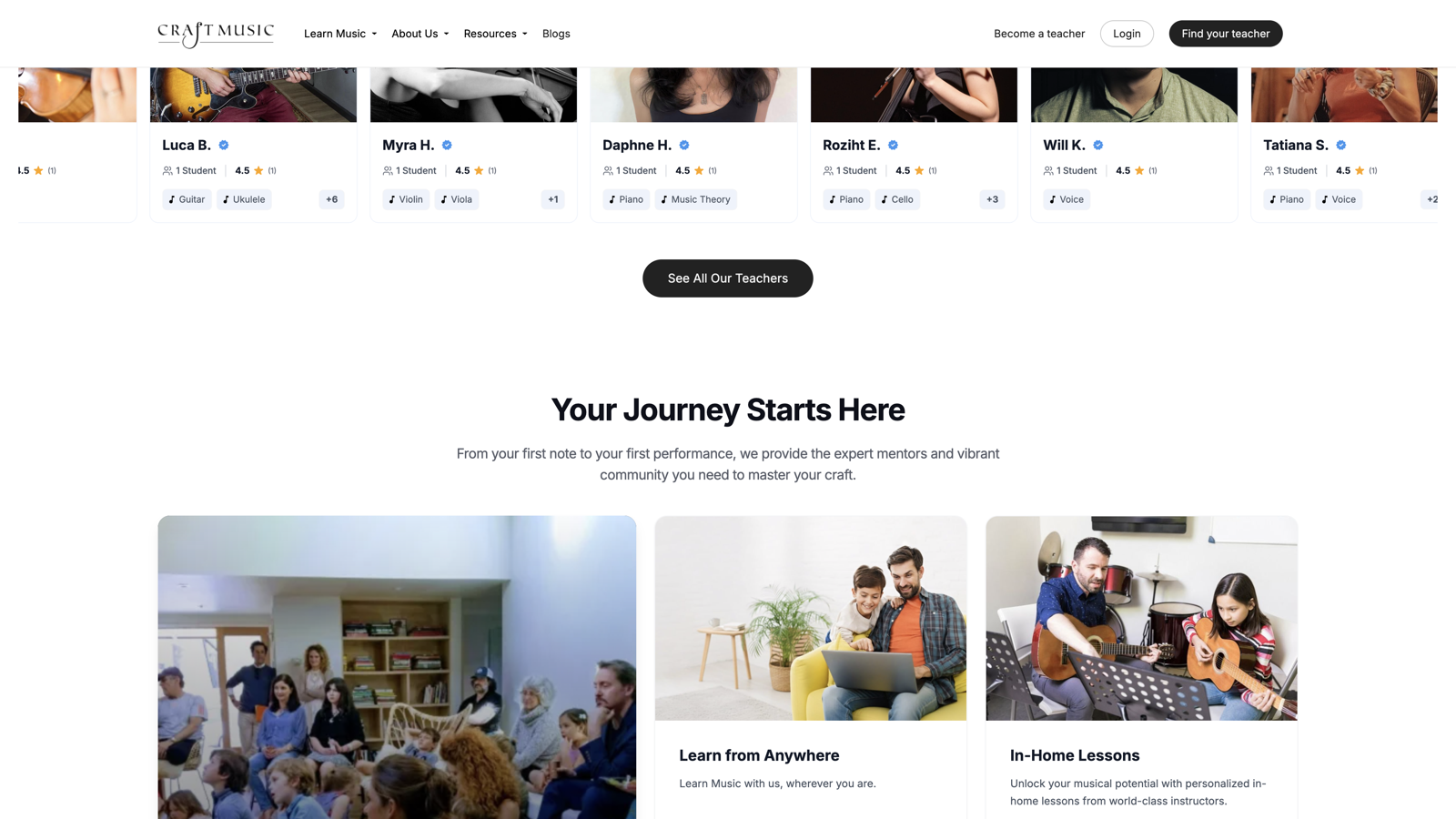
Browse online teachers by instrument on Get Started.
Book a lesson
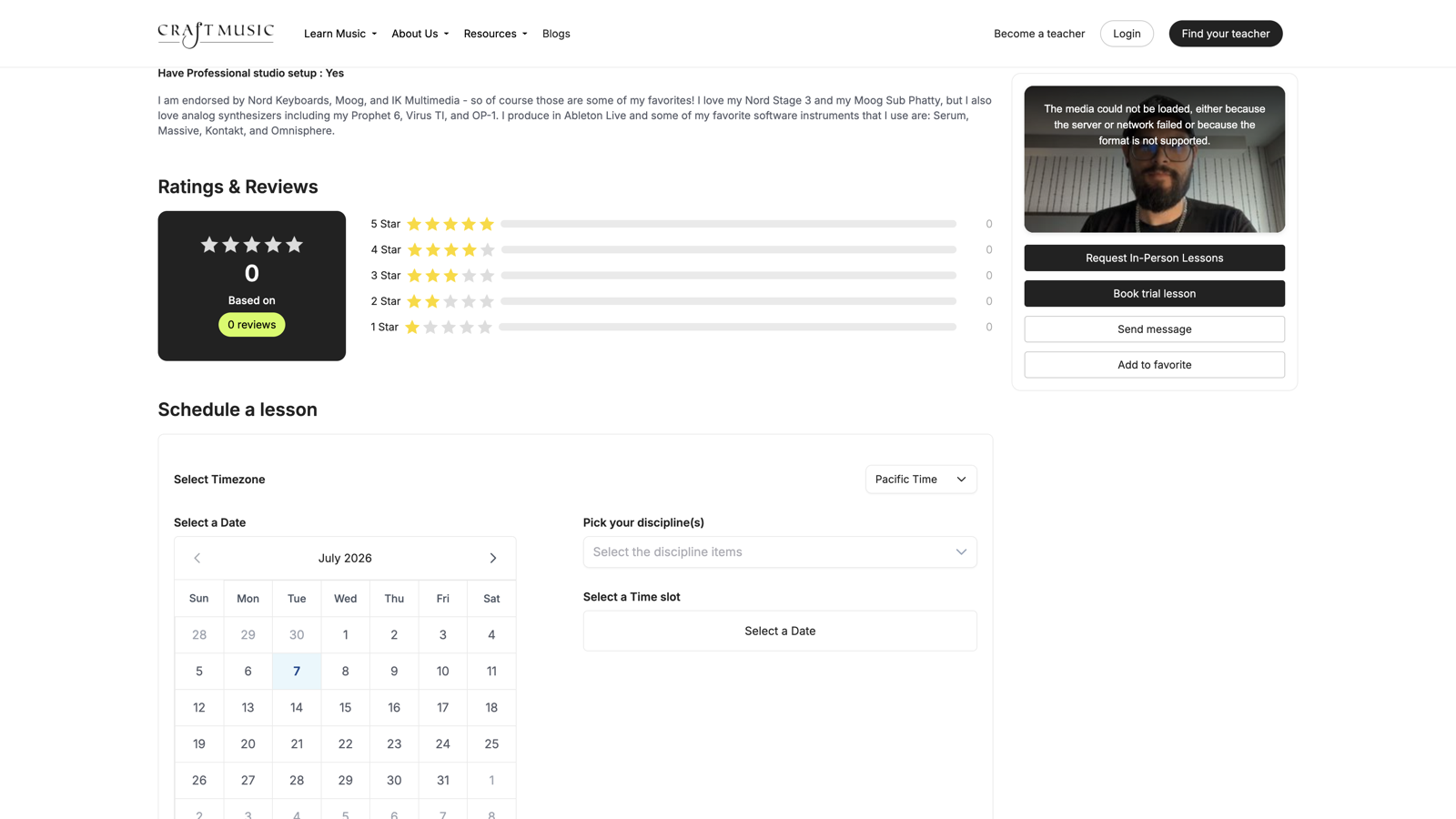
Pick a trial, single lesson, or subscription — pay securely on Craft Music.
Get your join link
When it's time, open your dashboard and click Join lesson.
Learn live
Video, chat, shared lesson notes, and (when enabled) studio-quality audio — all in Craft Music.
Whatyou'llneed
Every student
- Laptop or desktop (recommended)
- Stable internet connection
- Headphones — wired preferred
- A quiet space
Production lessons
- Same as above — browser join works
- Headphones essential for hearing mix detail
- No extra app for most students
Not required
- No separate meeting link
- No app download for most students
Commonquestions
Lesson notes live in your Lesson Hub with each teacher: goals and first-lesson notes, shared practice updates, and assignments between sessions. Open Lessons in your account, then your teacher’s hub. Teachers: see the Teacher manual Lesson Hub section.
Readytostart?
Find an online teacher today — or reach out if you're not sure which lesson type is right for you.


